

Quick Answer
CRM software is a centralized digital tool designed to manage customer relationships, streamline sales pipelines, and automate marketing workflows. By storing contact interaction history in one shared platform, crm software helps businesses improve client retention, organize sales leads, and drive consistent revenue growth across teams.
What is CRM software and how does it work?
CRM software (Customer Relationship Management) is an integrated digital platform that consolidates customer communication, contact data, deal tracking, and operational tasks into a single secure database. Rather than keeping client information scattered across email inboxes, physical notebooks, and spreadsheets, a modern platform acts as an accessible central engine for your entire business.
At its core, the primary function of crm management is to give every team member complete context regarding every customer interaction. When a prospective client calls or sends an inquiry, any representative can immediately view the client's past touchpoints, purchase history, and upcoming task reminders in real time.
Core functions of sales crm software and crm marketing
Sales teams rely heavily on sales crm software to visualize prospective deals moving through distinct pipeline stages—from initial lead capture to contract signing. These systems systematically assign lead scoring, automate routine follow-up tasks, and track rep performance metrics such as calls completed and deal close rates.
Simultaneously, marketing teams use crm marketing features to segment contact lists based on user behavior, transaction history, or demographic profiles. This enables targeted email campaigns, automated onboarding sequences, and personalized communications that build trust long before a formal sales conversation takes place.
How crm management centralizes team workflows
Without unified client management software, handoffs between marketing, sales, and customer service departments often result in lost details. A central platform establishes automated cross-departmental tasks. For instance, when a sales representative closes a pipeline deal, the system can automatically create an onboarding ticket for customer support while adding the new client to a post-purchase nurture series.
📊 Primary Business Drivers for CRM Adoption (2024 Survey)
When does a growing business actually need a CRM?
A business typically needs dedicated relationship software when internal communication, client response times, or sales tracking begins to falter due to operational growth. Most organizations transition to specialized platforms when relying on static spreadsheets or individual email accounts creates bottlenecks that directly impact customer satisfaction and monthly revenue.
In early-stage operations, managing customer data manually works sufficiently well. However, as prospect volume increases, manual tracking inevitably leads to missed follow-ups, unassigned leads, and an inability to accurately forecast future revenue.
Key signals that spreadsheet client management is failing
Recognizing the right time to transition requires monitoring operational friction points. Common signs that manual tracking is no longer effective include:
Multiple team members accidentally contacting the same prospect twice with conflicting information.
Difficulty determining which sales deals are stuck in negotiation without holding long status meetings.
Misplaced client project details due to employee turnover or fragmented email threads.
Lack of visibility into which marketing channels produce the most profitable long-term clients.

According to research by Nucleus Research, organizations using dedicated sales management platforms realize an average return of $8.71 for every dollar invested in system deployment.
Measuring the return on investment for CRM implementation
Investing in dedicated software offers quantifiable returns across direct operational efficiency and improved conversion rates. Organizations usually observe measurable improvements in three key metric categories within six months of deployment:
- 1Sales Cycle Velocity: Automated lead routing and pre-built email templates accelerate response times, which reduces average sales conversion cycles by 15% to 25%.
- 2Customer Retention: Detailed interaction history ensures client care teams resolve inquiries faster, boosting retention rates by providing attentive, informed support.
- 3Operational Time Savings: Routine task automation frees sales reps from hours of repetitive administrative data entry each week.
📈 Average Time Saved Per Sales Rep Weekly (Hours)
How to choose the best CRM for small business needs?
Choosing the best crm for small business requires matching platform capabilities with your existing sales processes rather than buying complex enterprise tools you will not use. The ideal solution provides an intuitive user interface, reliable customer support, and easy integration with your current email, calendar, and accounting tools.
💡 Tip
Before purchasing software, outline your actual customer journey on paper. Mapping out pipeline stages and necessary handoffs first ensures you select a system tailored to your practical workflows, rather than adapting your operations to fit a rigid tool.
Evaluating free crm for small business vs paid options
Many small organizations start their journey by exploring a free crm for small business. Platforms offering free client management software are excellent for testing fundamental workflows, organizing basic contact records, and building daily user habits without upfront financial risk.
However, free plans often feature strict limitations, such as caps on total contacts, limited record storage, or excluded automation features. As your operations expand, upgrading to a tiered paid subscription allows your business to unlock custom reporting, advanced permissions, and API integrations necessary for scaling.
Essential features to look for in small business sales software
When evaluating potential platform providers, prioritize core functionality over exhaustive feature lists:
Intuitive Pipeline Views: Visual drag-and-drop boards (such as Kanban views) make monitoring deal progress straightforward for reps.
Seamless Communication Sync: Automated inbox synchronization ensures every email and call log updates against contact profiles instantly.
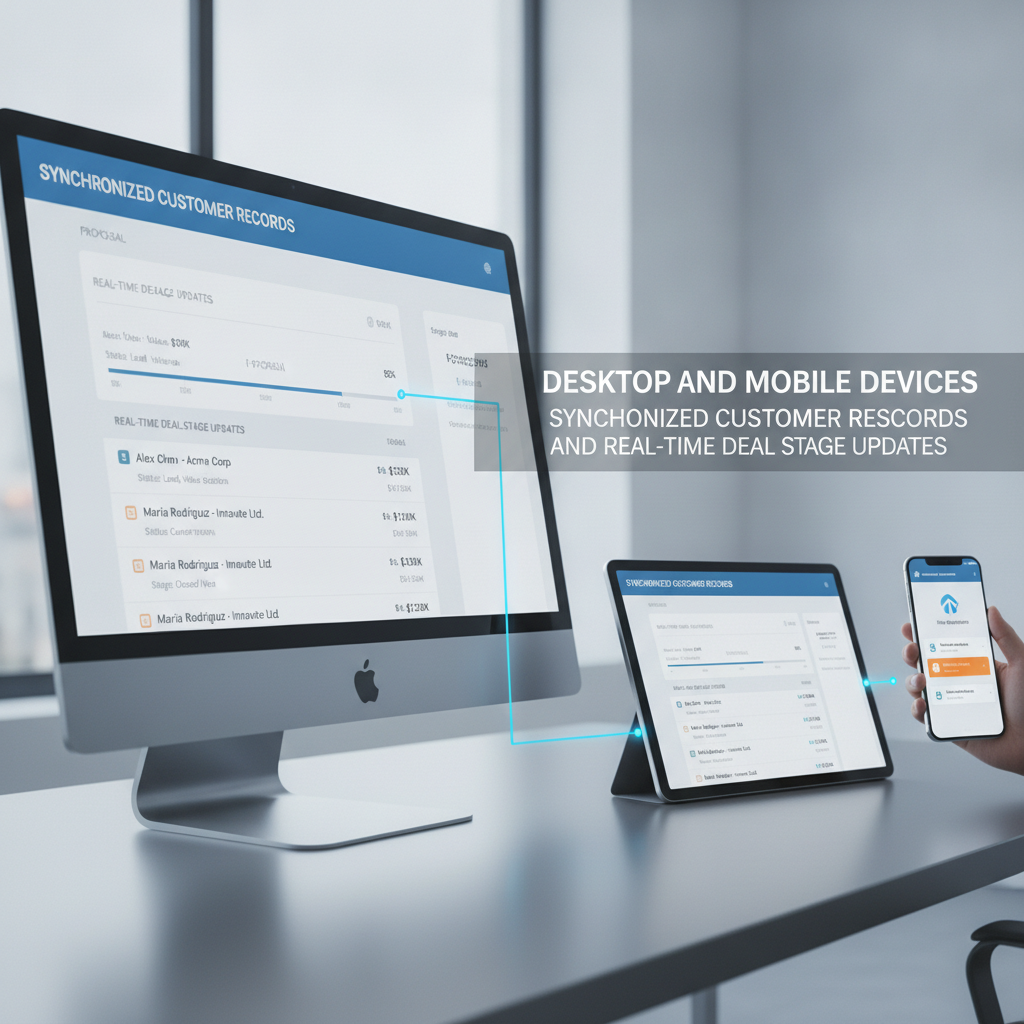
Mobile Accessibility: Functional mobile applications empower field representatives or remote teams to record notes directly after client meetings.
Customizable Fields and Tagging: Flexible database fields allow you to track metrics unique to your specific industry or market niche.
What common mistakes should businesses avoid during implementation?
The most frequent implementation mistakes involve launching software without clear process ownership, over-complicating fields during initial setup, and underestimating user training. Successful system adoption requires treating implementation as an ongoing culture shift toward structured data management rather than a quick software installation.
Overcomplicating system setup from day one
A frequent pitfall is creating dozens of mandatory contact fields, custom properties, and overly complex deal stages during initial deployment. This overwhelms sales team members and creates friction. Start lean by capturing essential contact fields and 4 to 6 straightforward pipeline stages. You can introduce specialized fields and automation rules gradually as user comfort grows.
Neglecting team training and data hygiene standards
Software is only as effective as the quality of data entered into it. Establishing clear usage guidelines—such as requiring same-day logging of meeting notes and defining strict rules for lead source naming—prevents database clutter. Consistent training sessions help team members understand how accurate data entry directly makes their daily work easier and more rewarding.
Summary and Key Takeaways for Business Leaders
Deploying central relationship management software transforms fragmented customer interactions into structured, repeatable revenue pipelines. Whether exploring accessible free software or transitioning to a fully customized sales platform, focusing on user adoption and clean data creates predictable, sustainable growth.
Centralized Data: Consolidates emails, interaction notes, and performance metrics into a unified, accessible database.
Improved Retention: Accurate history tracking helps support teams deliver thoughtful, caring, and timely client care.
Operational Efficiency: Automating administrative tasks saves sales representatives an estimated 14 hours per week on average.
Scalable Infrastructure: Transitioning early from spreadsheets establishes a reliable framework ready to support long-term business expansion.
Turn Relationship Complexity into Effortless Growth
Managing client relationships should feel empowering, not overwhelming. If your team is navigating the transition from scattered spreadsheets to a unified digital engine, you don't have to make the journey alone. Selecting and setting up the right CRM platform is about far more than adopting new software—it's about creating space for your team to do their best work and giving your customers the attentive care they deserve.
Take the next step in transforming your operations with confidence. Focus on your real-world workflows, prioritize clarity over complexity, and build a resilient foundation that supports your business vision for years to come.
