
Google Shopping Ads: Getting Your Products in Front of Buyers Ready to Purchase
Quick Answer
Google shopping ads connect e-commerce businesses directly with high-intent shoppers by displaying visual product listings, pricing, and store names at the top of Google search results. By synchronizing your store catalog through Google Merchant Center and performing continuous shopping feed optimization, companies typically see higher conversion rates and lower cost-per-acquisition compared to standard text ads.
What Are Google Shopping Ads and How Do They Work?
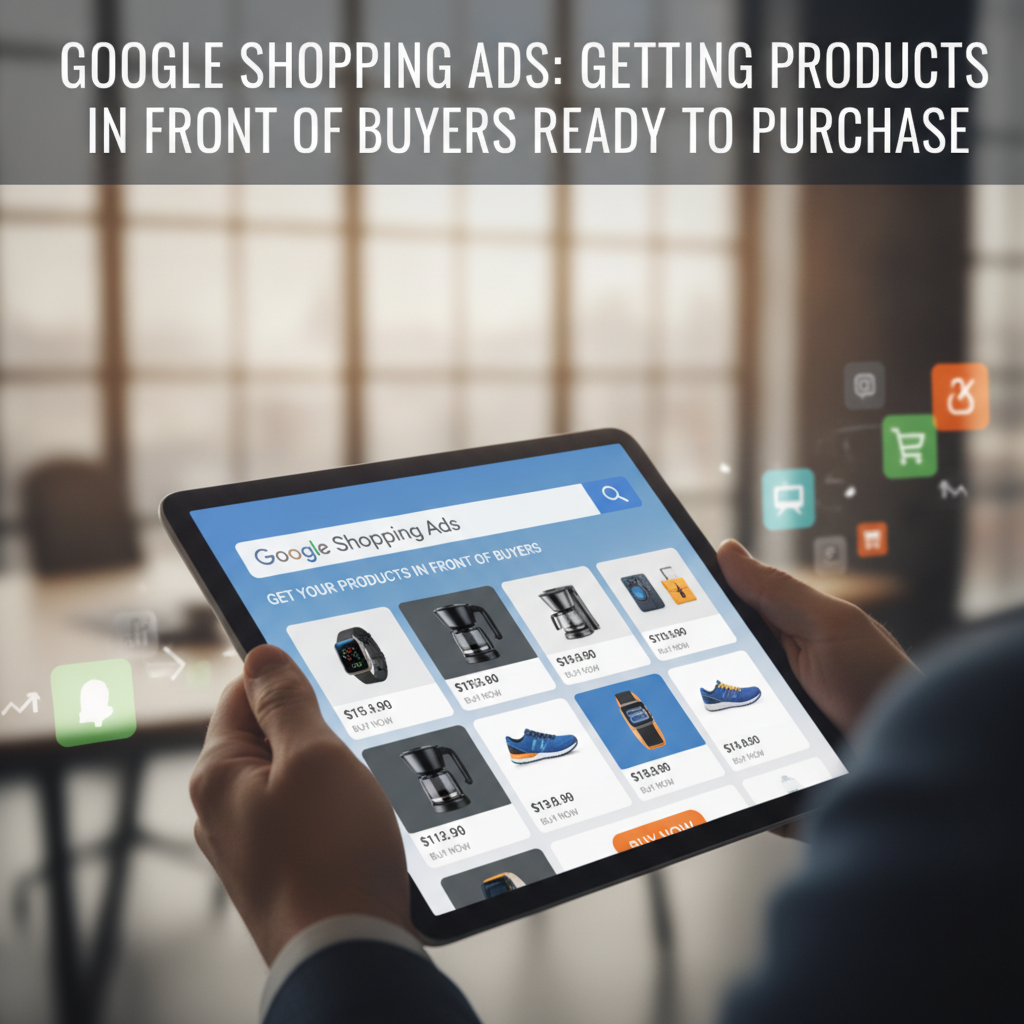
Google Shopping ads are visual product listings that display product images, pricing, brand names, and special offers directly within Google search results and across the Google Display Network. Unlike traditional text-based search ads, which rely on manual keyword bidding, Shopping ads leverage structured product data submitted by merchants to match ads automatically with relevant consumer search queries.
How do Google Shopping Ads differ from traditional search ads?
Google Shopping ads differ from search text ads primarily in format, targeting mechanisms, and user intent capture. Standard text ads depend on bid strategies built around explicit keywords (such as "buy leather boots"), whereas Shopping campaigns use product data feeds to automatically match listings against search intent.
Because shoppers see the exact image, price, and shipping details before clicking, traffic arriving via Shopping ads carries significantly higher commercial intent. According to industry benchmarks, visual shopping formats generate up to 30% higher conversion rates for retail categories than conventional text ads, as users self-qualify by evaluating pricing and appearance prior to the click.
What is the role of Google Merchant Center?
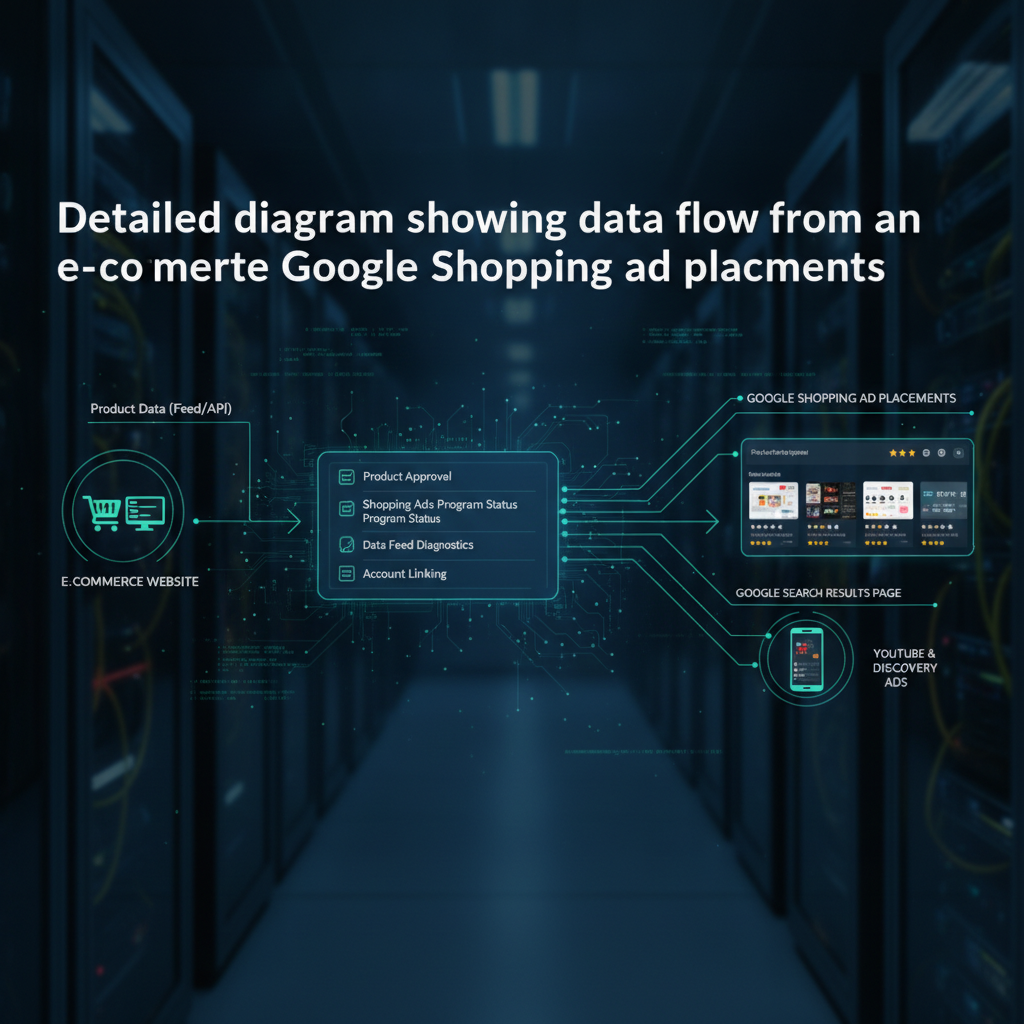
Google Merchant Center serves as the centralized platform that bridges your e-commerce platform catalog with Google Ads. It acts as the operational hub where product data feeds are uploaded, validated, and processed for compliance with Google policies.
Without an active Merchant Center account containing an approved product feed, running Shopping campaigns is impossible. The platform continuously monitors data health, flagging inventory discrepancies, broken landing page links, or missing required attributes before they degrade campaign performance.
"Shopping campaigns succeed when the product data feed accurately reflects real-time inventory, pricing, and consumer demand signals."
🥧 Retail Search Ad Spend Distribution (2024)
How Do You Set Up and Optimize Your Product Feed?
Shopping feed optimization is the systematic process of enriching and organizing your product attributes within Google Merchant Center to improve ad relevance, impression share, and click-through rates. A properly structured feed ensures that Google's algorithm understands precisely what you are selling and when to display your products.
What key attributes are required for shopping feed optimization?
Every product feed must include essential data attributes to pass Google's automated review process and achieve optimal query matching. Providing complete and precise information prevents account disapprovals and enhances audience targeting precision.
ID and Title: Unique product identifier alongside a detailed, search-friendly product title.
Description: Clear overview detailing features, materials, and specifications (up to 5,000 characters).
Link and Image Link: Direct URL to the item landing page and high-resolution product imagery (minimum 250x250 pixels for apparel, 100x100 for non-apparel).
Price and Availability: Real-time pricing matched with accurate stock status (`in_stock`, `out_of_stock`, or `preorder`).
GTIN / MPN: Global Trade Item Numbers (such as UPCs or ISBNs) or Manufacturer Part Numbers, which are vital for catalog matching.
💡 Tip
Always include valid GTINs: Adding accurate GTINs to your product feed increases impression volume by an average of 40% because Google can instantly map your items to known catalog products and competitive queries.
How can you structure product titles for maximum click-through rates?
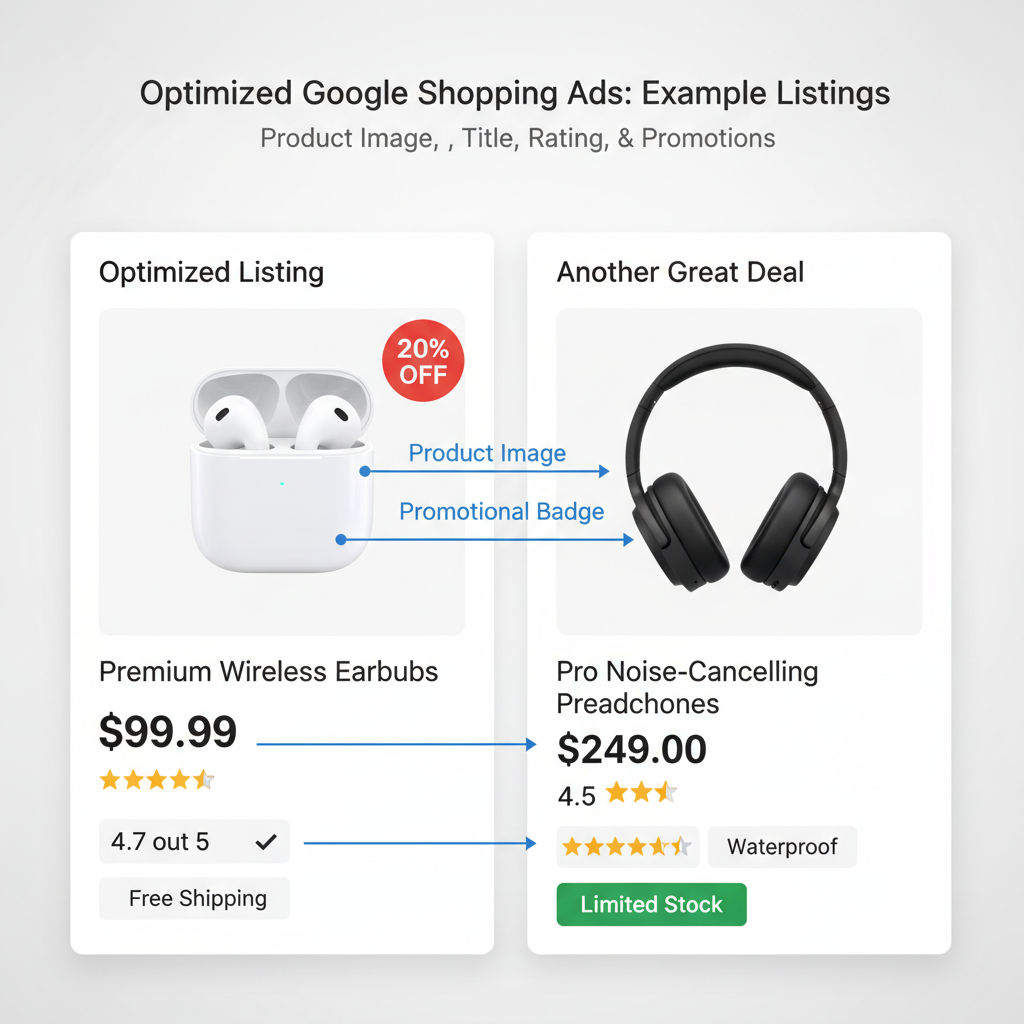
Product titles serve as the single most critical attribute for search matching in Google Shopping campaigns. Structuring titles logically ensures that key details align with how shoppers actively search for products.
In practice, a proven title formula follows a structured attribute priority based on retail vertical:
Apparel: Brand + Gender + Product Type + Color + Size + Material (e.g., Patagonia Women's Waterproof Rain Jacket - Navy - Medium)
Electronics: Brand + Model Number + Product Type + Key Specs (e.g., Sony WH-1000XM5 Wireless Noise-Canceling Headphones - Black)
Home Goods: Brand + Style + Material + Product Type + Dimensions (e.g., West Elm Modern Solid Oak Dining Table - 72 Inch)
Placing high-priority keywords at the beginning of the title maximizes relevance scores because Google places greater weight on initial terms during auction matching.
What Strategies Drive High Return on Ad Spend (ROAS)?
Maximizing Return on Ad Spend (ROAS) requires strategic campaign structuring, aggressive negative keyword management, and bid management tailored to catalog margins. Rather than running a monolithic campaign containing all inventory, top-performing accounts segment products by profitability, conversion volume, and demand trends.
📈 E-Commerce Conversion Rate by Ad Format (2024 Benchmarks)
How should campaigns be structured for high-intent queries?
Structuring campaigns by product margin or brand priority prevents low-margin items from consuming the majority of your daily ad budget. E-commerce businesses typically utilize two primary campaign frameworks:
- 1 Performance Max for Retail: Leverages machine learning to distribute shopping inventory across Search, Display, YouTube, Gmail, and Discover using Smart Bidding strategies like Target ROAS (tROAS).
- 2 Custom Standard Shopping Segmentation: Splits campaigns into distinct tiers based on query intent (Brand vs. Generic) or business value (Best Sellers vs. Clearance), allowing manual control over channel budgets.
"Segmenting your catalog by historical performance ensures that high-margin top sellers receive the budget priority required to scale overall profitability."
How do negative keywords improve Shopping campaign efficiency?
Although Google Shopping campaigns do not target explicit keywords directly, negative keyword lists provide essential control over query matching. Applying negative keywords prevents your products from appearing for irrelevant searches, non-converting terms, or low-intent queries.
For instance, adding negative terms like "free," "repair," "manual," or "wholesale" filters out users looking for support or free resources rather than retail purchases. Regularly auditing your Search Terms report in Google Ads allows you to identify wasteful spend and refine audience matching over time.
Key Takeaways
To build and sustain profitable Google Shopping campaigns, focus on these fundamental principles:
Synchronize Reliable Data: Maintain seamless integration between your store inventory and Google Merchant Center to avoid account suspension and price discrepancies.
Prioritize Feed Optimization: Treat your product feed as your primary target asset—optimize titles using high-volume search attributes and maintain accurate GTIN identifiers.
Segment for Profitability: Group campaigns according to product margins, historical sales velocity, and priority business goals rather than running uniform bid strategies.
Refine Audience Intent Continuously: Utilize negative keyword lists and regular search query audits to protect campaign budgets from low-intent search traffic.
Give Your Products the Visibility They Truly Deserve
Managing complex feed specifications, margin calculations, and campaign bidding structures can feel overwhelming when you are busy focusing on product quality and customer support. You shouldn't have to navigate platform policies or technical feed errors alone while trying to scale your online store.
Our digital marketing specialists are passionate about helping retail brands bridge the gap between great products and the eager shoppers looking for them. Whether you need a comprehensive audit of your Google Merchant Center feed or a tailored Performance Max campaign strategy, we are here to support your growth journey every step of the way. Connect with our team today to explore how we can elevate your product presence and maximize your return on ad spend.
